

Search
Voovo has a search function that allows you to quickly find specific flashcards among all the flashcards that you've created, this serves to help you quickly find what you need.
As you use Voovo for long time, you will be creating more and more flashcards every week. This can result in you having a huge number of flashcards in every single deck/folder. This can cause a problem if right before an exam, you realize you forgot a specific flashcard! That's why we created the search function, where you can search for something specific within all the flashcards that you have created. 🎉🎉
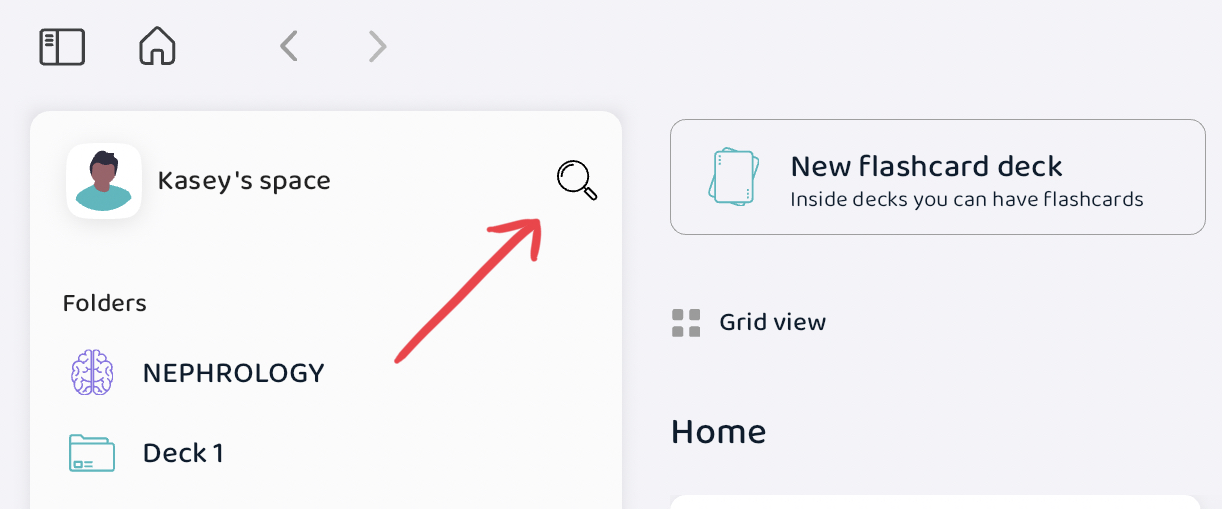
At the menu bar, you can find the search button right next to your account name. Here you can search for specific flashcards, decks, or folders! This comes in handy when you would like to revise a specific flashcard, or a deck/folder right before an exam.